Cloudera Data Warehouse (CDW) on Openshift
This article explains the steps to deploy the CDW service on Openshift platform after successful configuration of the CDP PvC Data Services Management Console. Please note that the sizing of the direct attached disk for CDW illustrated in this demo does not match the production requirements. For production requirements, please refer to this link.
- TOC
Hive Impersonation (doas)
-
This is a mandatory step to allow other user to impersonate
hiveuser to access Hive tables. This is the Hive default setting and Ranger is the only supported and recommended security model. Ensure that Hive Impersonation is enabled as shown below.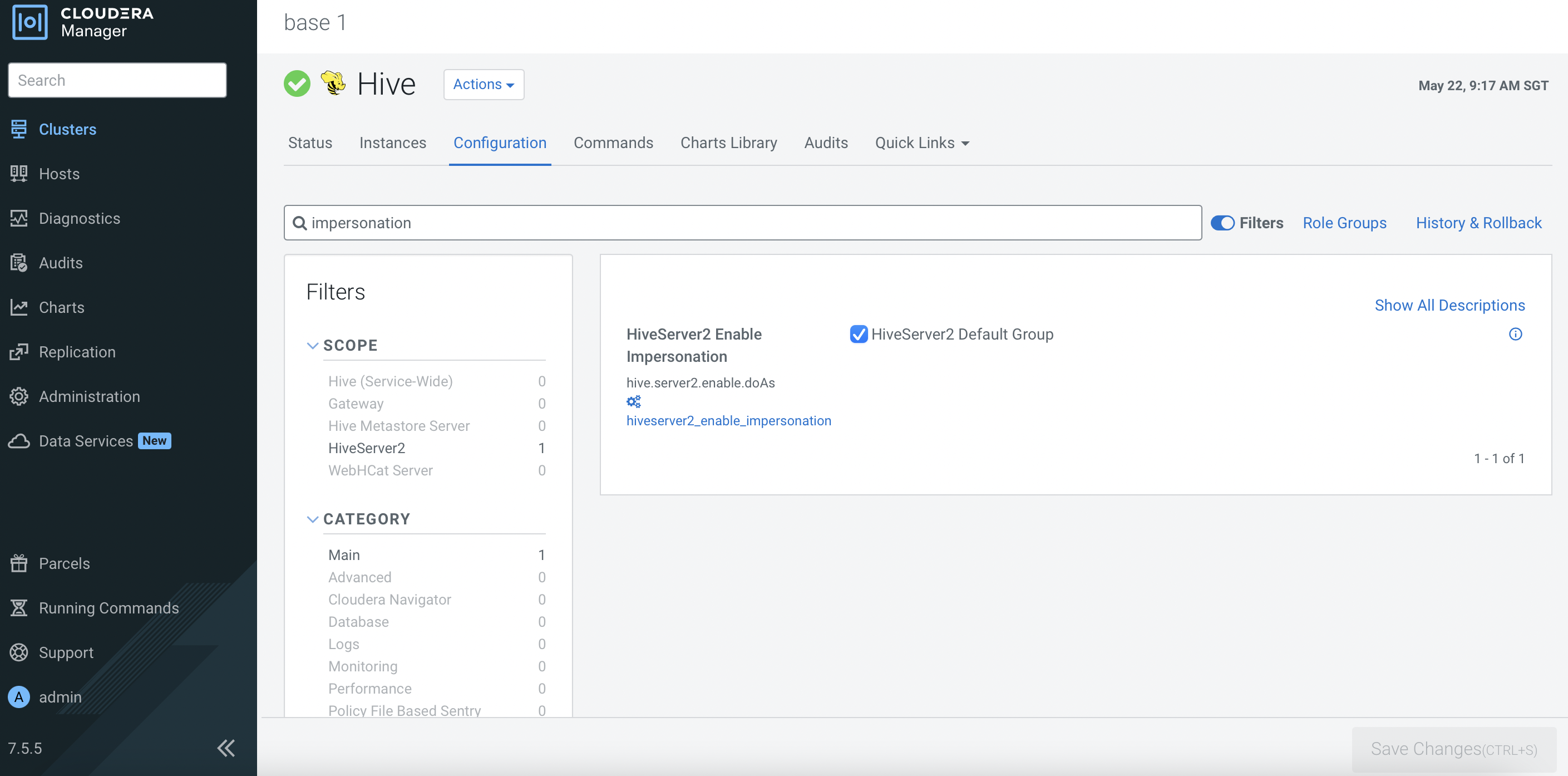
CDW Deployment
-
In CM, navigate to
Data Services. ClickOpen CDP Private Cloud Data Servicesofcdp.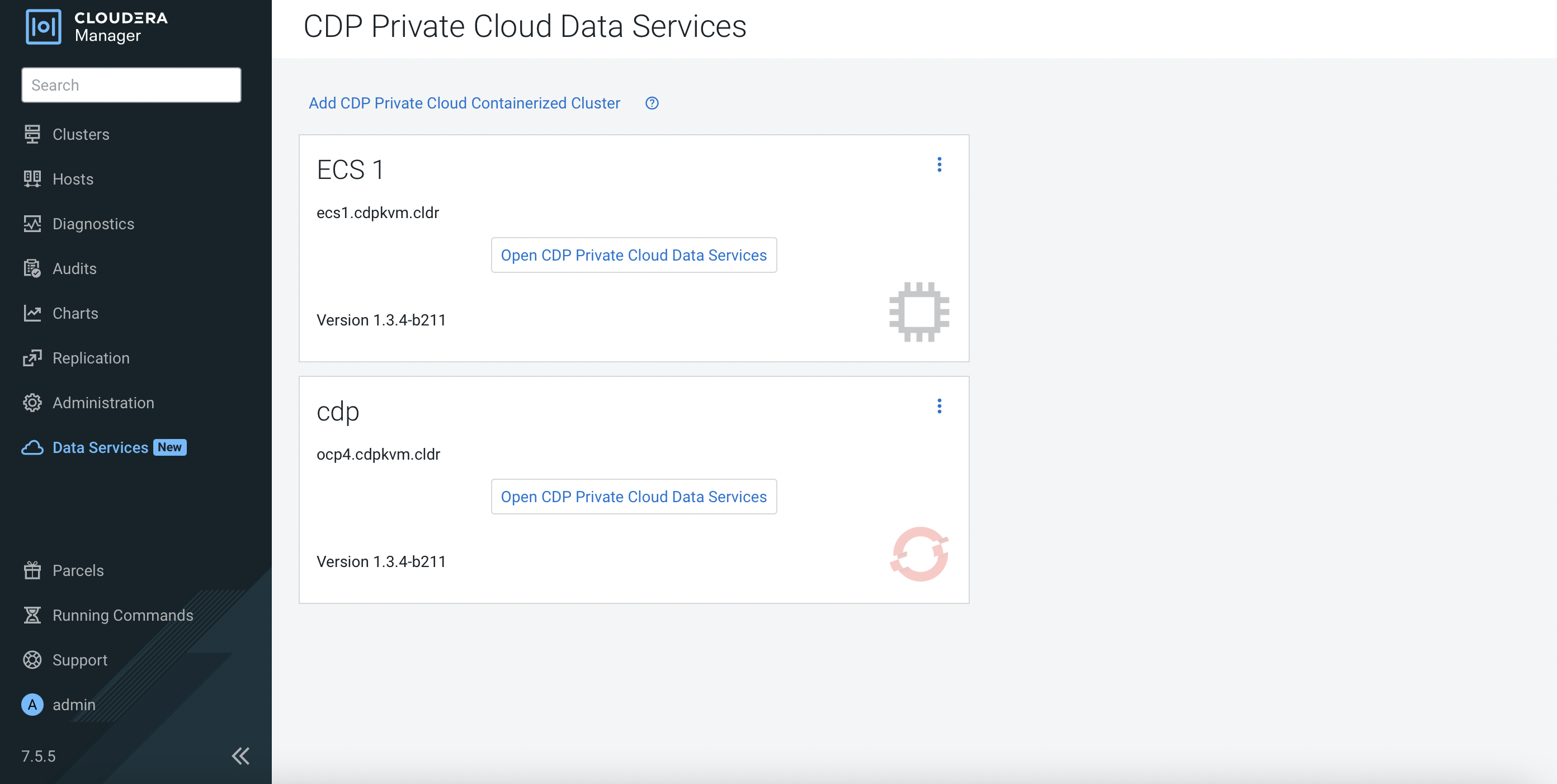
-
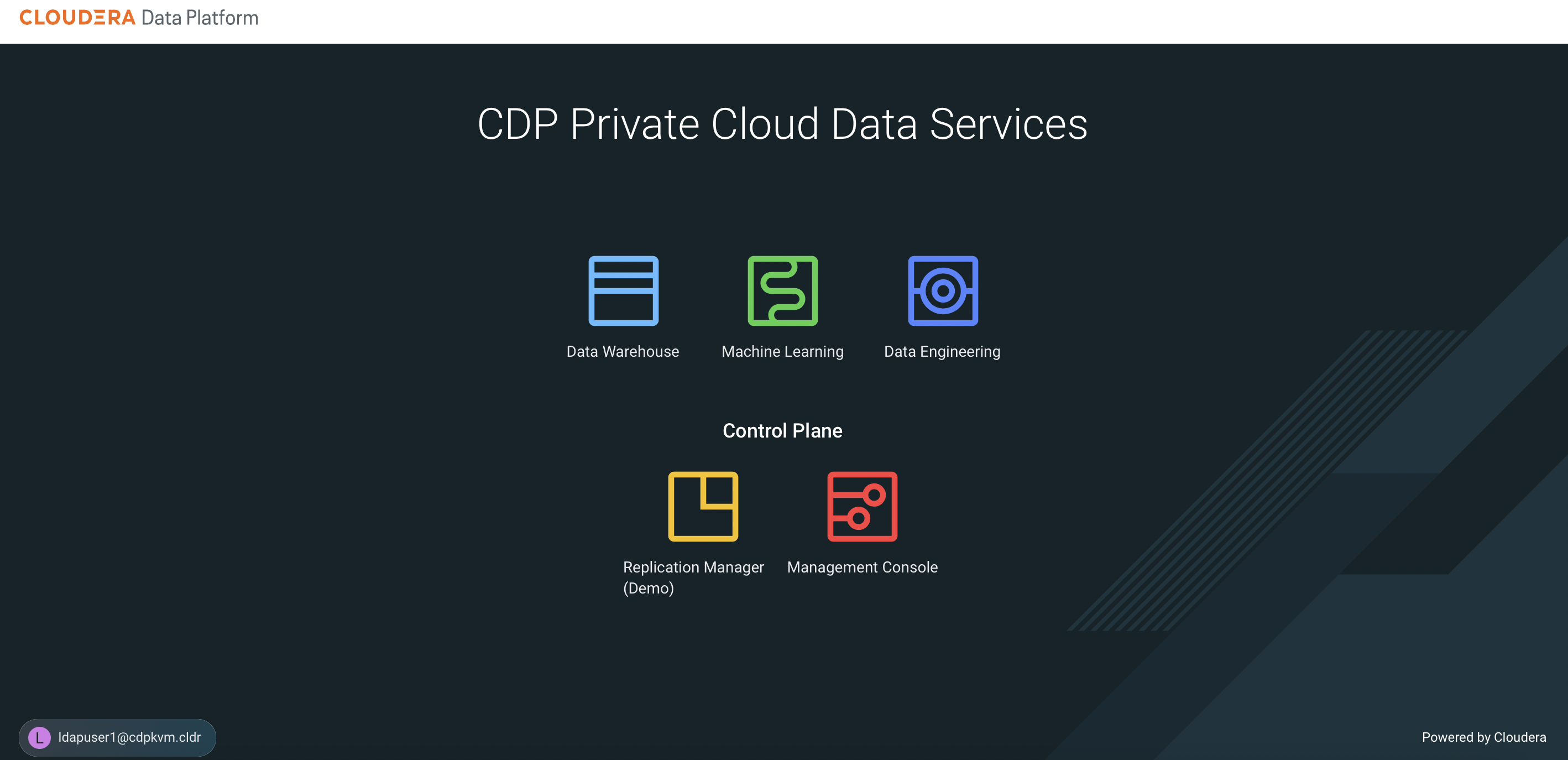
The system will redirect the browser to the following page. Log in using LDAP user credential and click
Data Warehouse.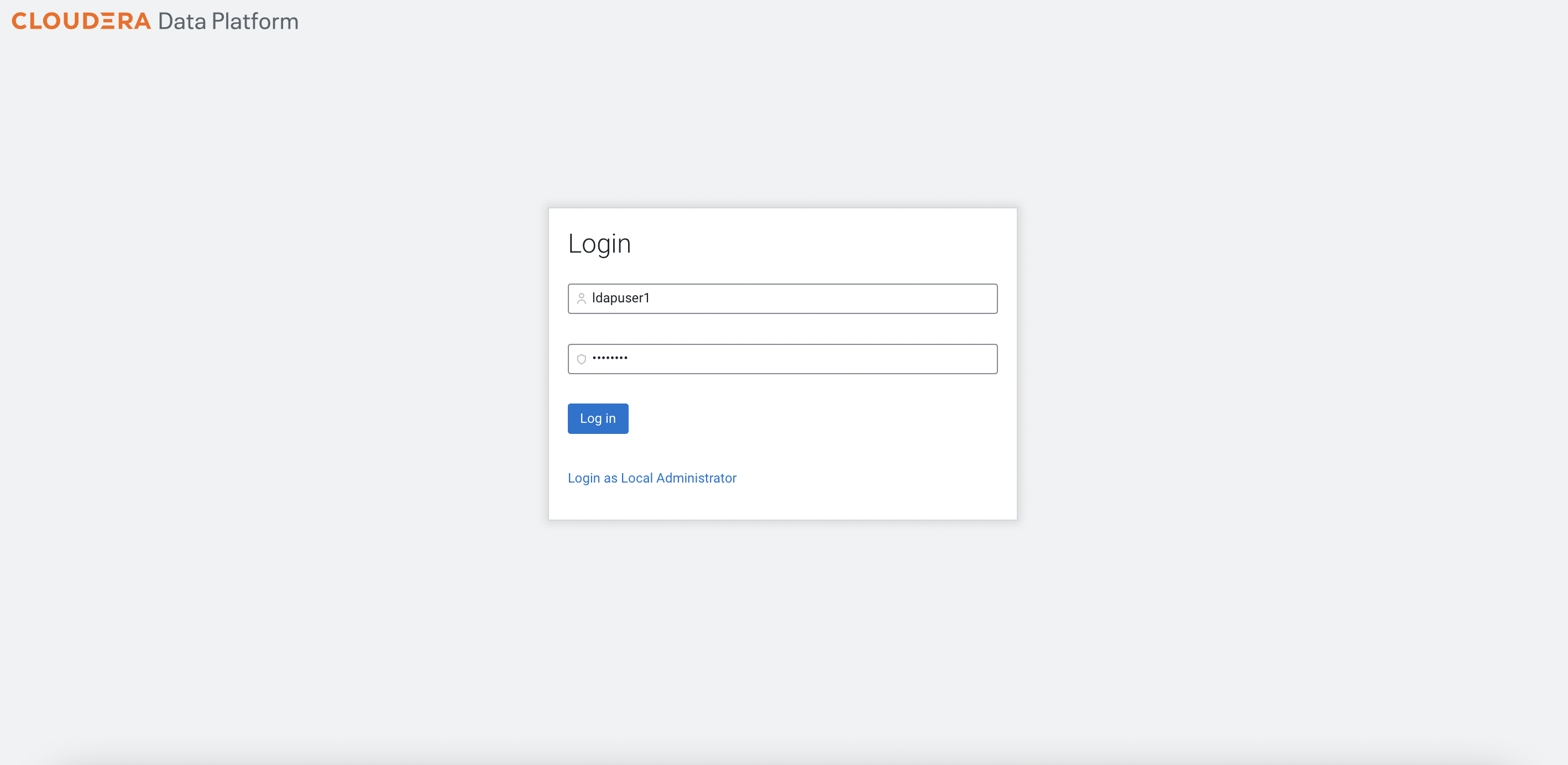
-
Click the thunder icon of the newly created data lake environment. Fill in the parameters using LDAP user credentials. Note that the databases must be pre-created as highlighted in the prerequisites topic.
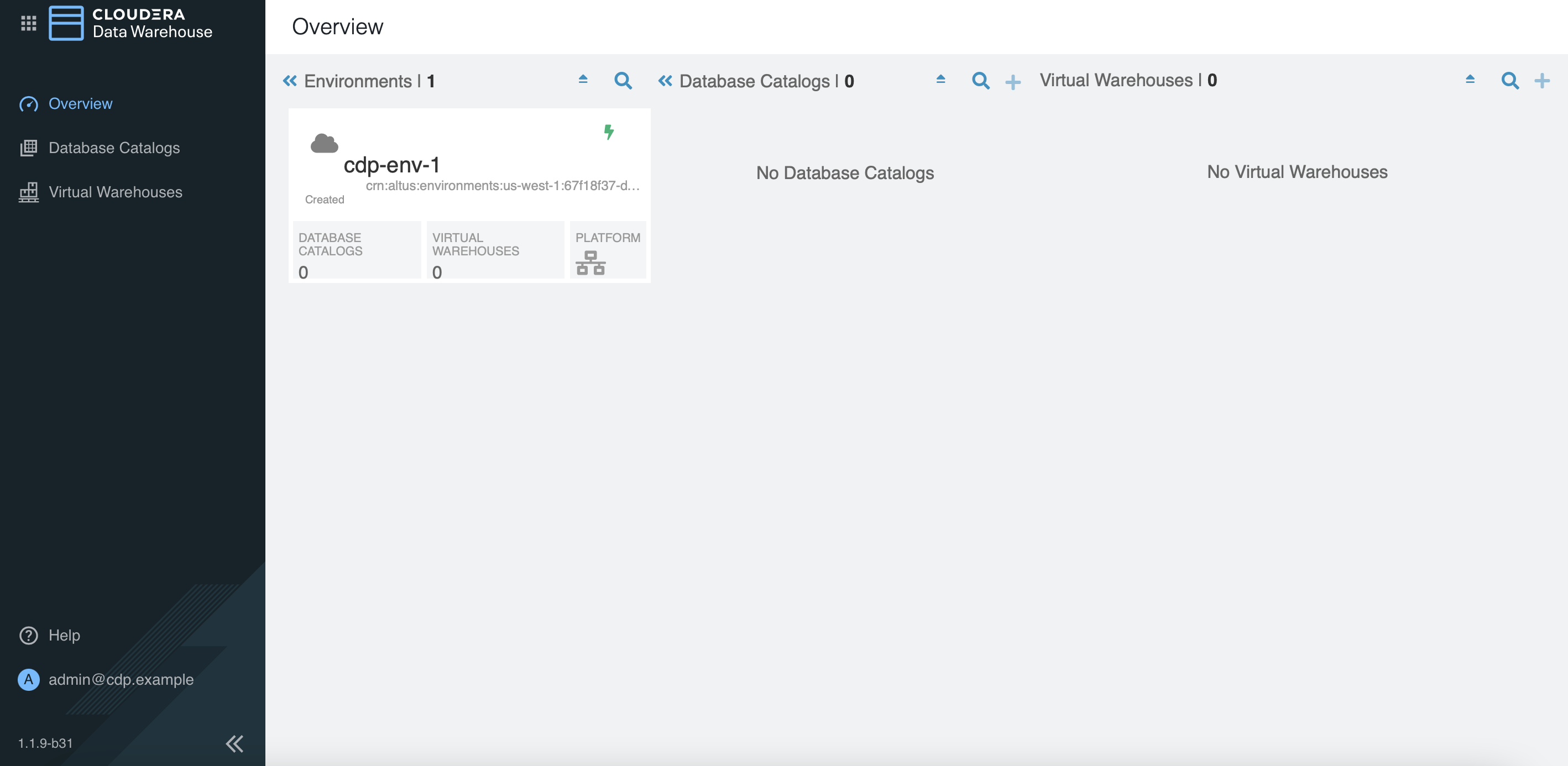
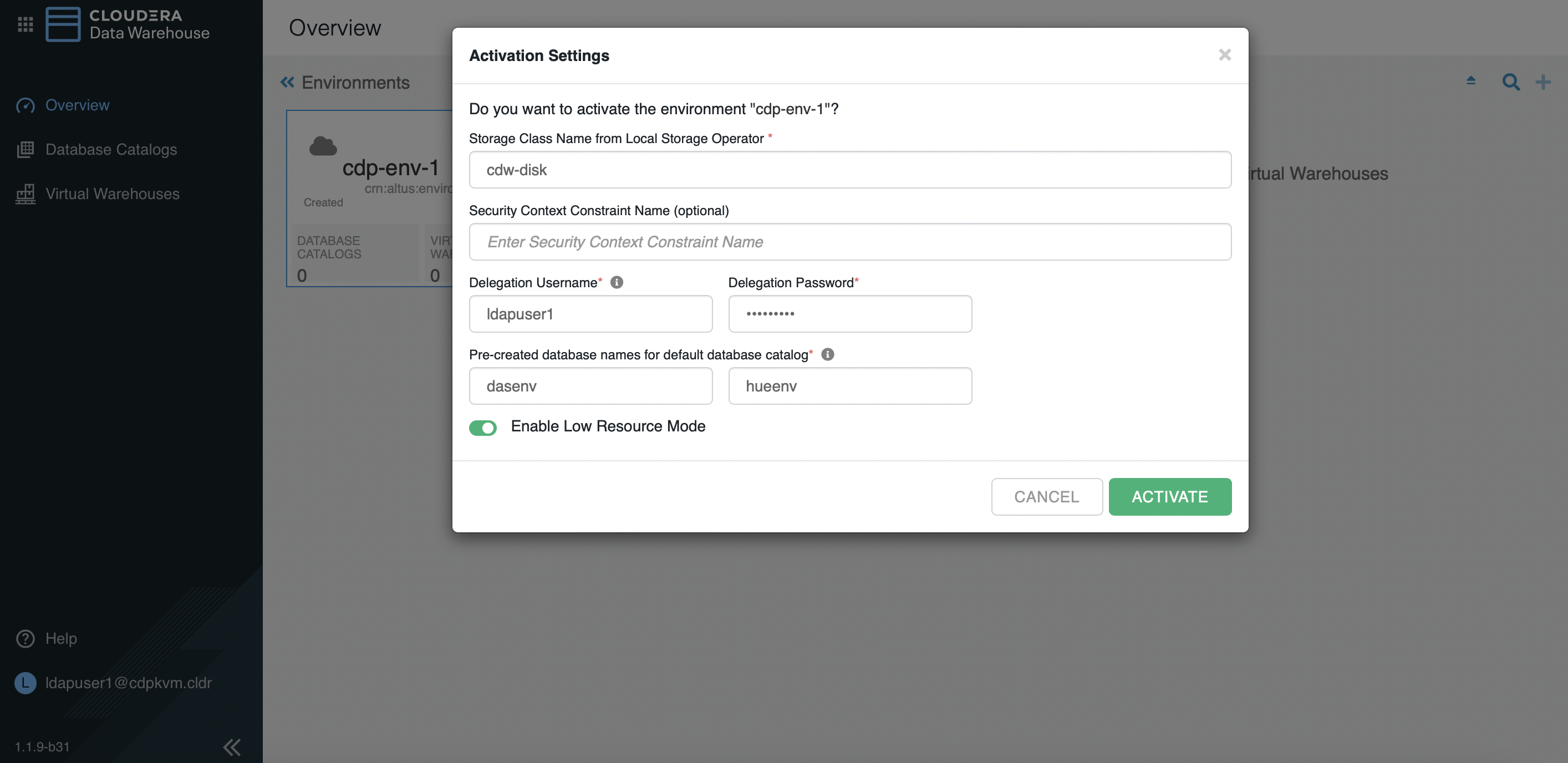
-
Create a new
Hivevirtual warehouse with 1 executor as shown below.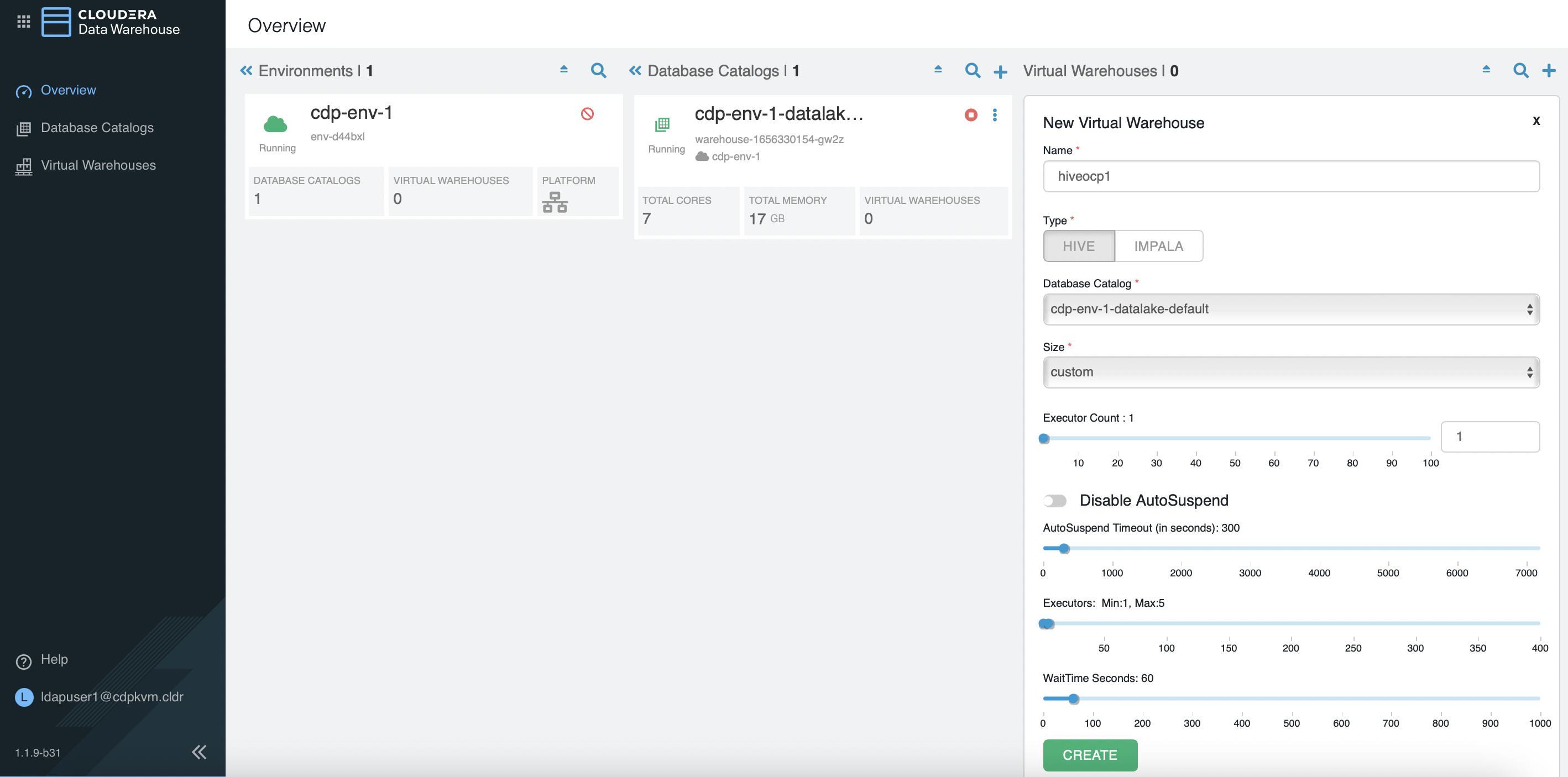
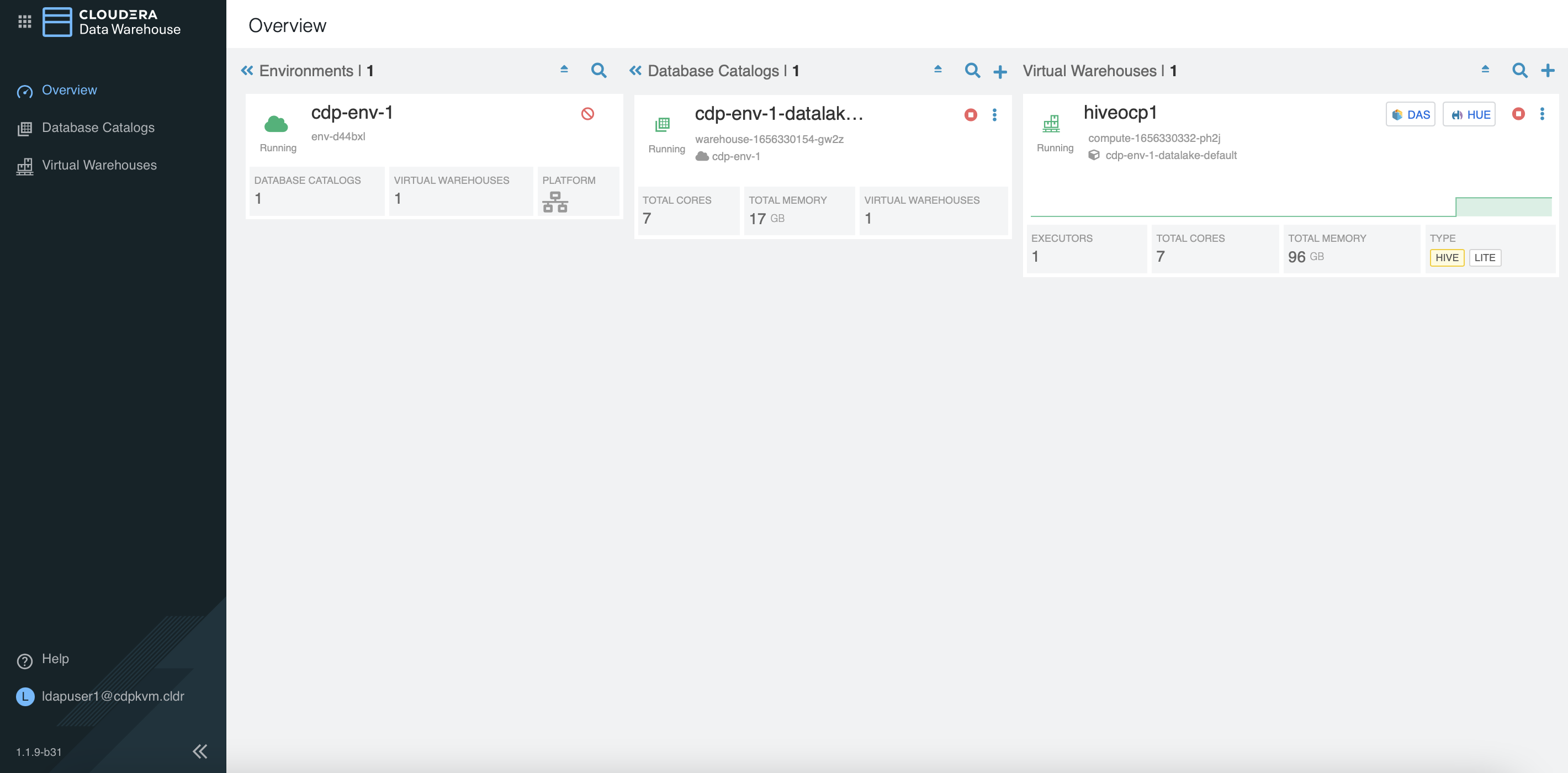
Take note of the following artifacts.
[root@ocpbastion ~]# oc -n compute-1656330332-ph2j get pods NAME READY STATUS RESTARTS AGE das-webapp-0 1/1 Running 0 2m43s hiveserver2-0 1/1 Running 0 2m43s huebackend-0 1/1 Running 0 2m43s huefrontend-6bcbb8fdfb-8kb7s 1/1 Running 0 2m43s query-coordinator-0-0 1/1 Running 0 2m32s query-executor-0-0 1/1 Running 0 2m32s standalone-compute-operator-0 1/1 Running 0 2m43s usage-monitor-564fdcdbcc-mbgmc 1/1 Running 0 2m43s [root@ocpbastion ~]# oc -n compute-1656330332-ph2j get pvc NAME STATUS VOLUME CAPACITY ACCESS MODES STORAGECLASS AGE query-executor-1656330358-volume-query-executor-0-0 Bound local-pv-abb1e063 400Gi RWO cdw-disk 2m34s [root@ocpbastion ~]# oc -n compute-1656330332-ph2j describe pod query-executor-0-0 | grep Node: Node: master03.ocp4.cdpkvm.cldr/10.15.4.184 [root@ocpbastion ~]# oc describe pv local-pv-abb1e063 | grep hostname Term 0: kubernetes.io/hostname in [master03.ocp4.cdpkvm.cldr] [root@ocpbastion ~]# oc describe pv local-pv-abb1e063 | grep hostname Term 0: kubernetes.io/hostname in [master03.ocp4.cdpkvm.cldr] -
Remove the above
Hivevirtual warehouse. Create a newImpalavirtual warehouse with 1 executor as shown in the following example.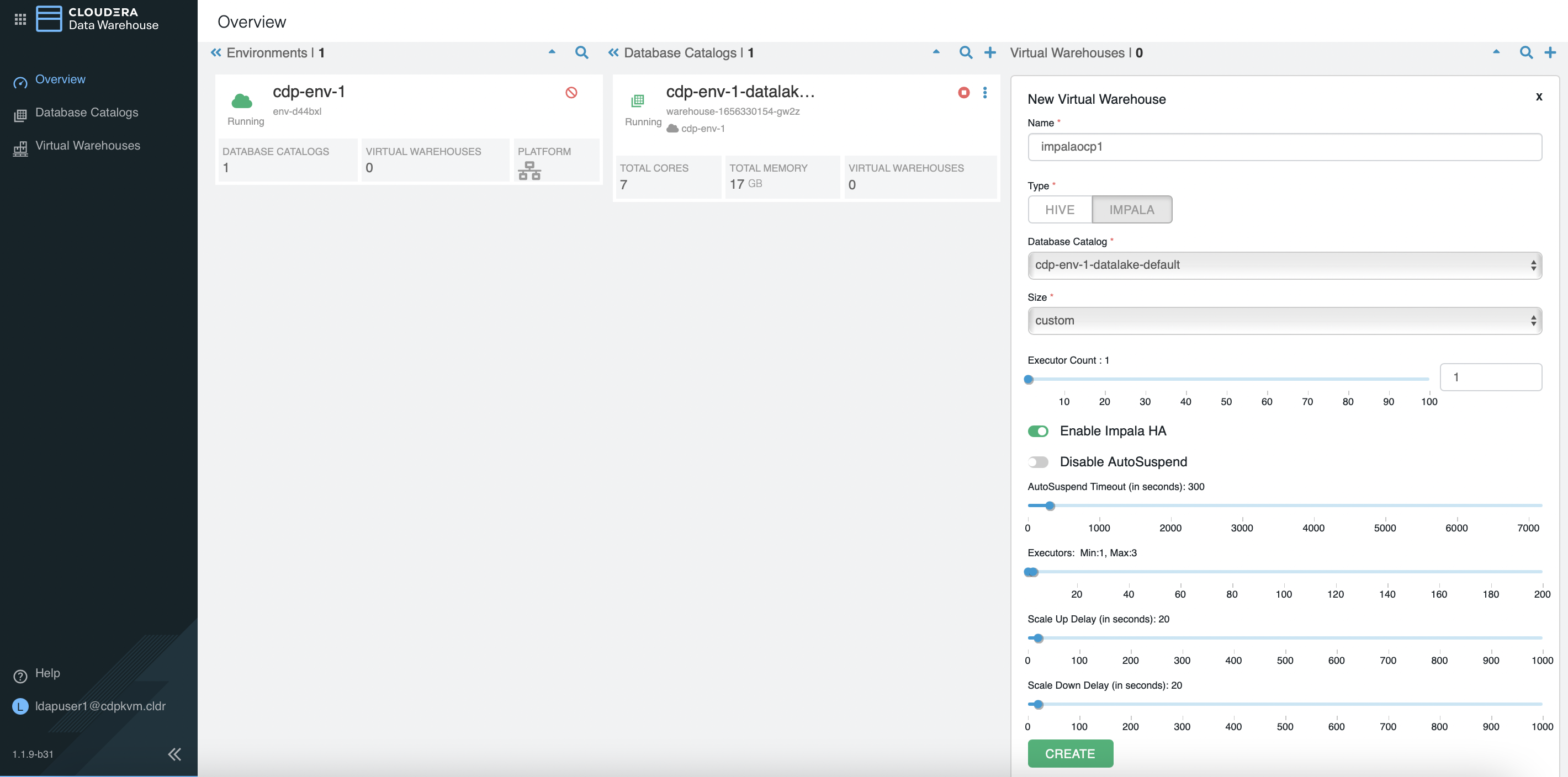
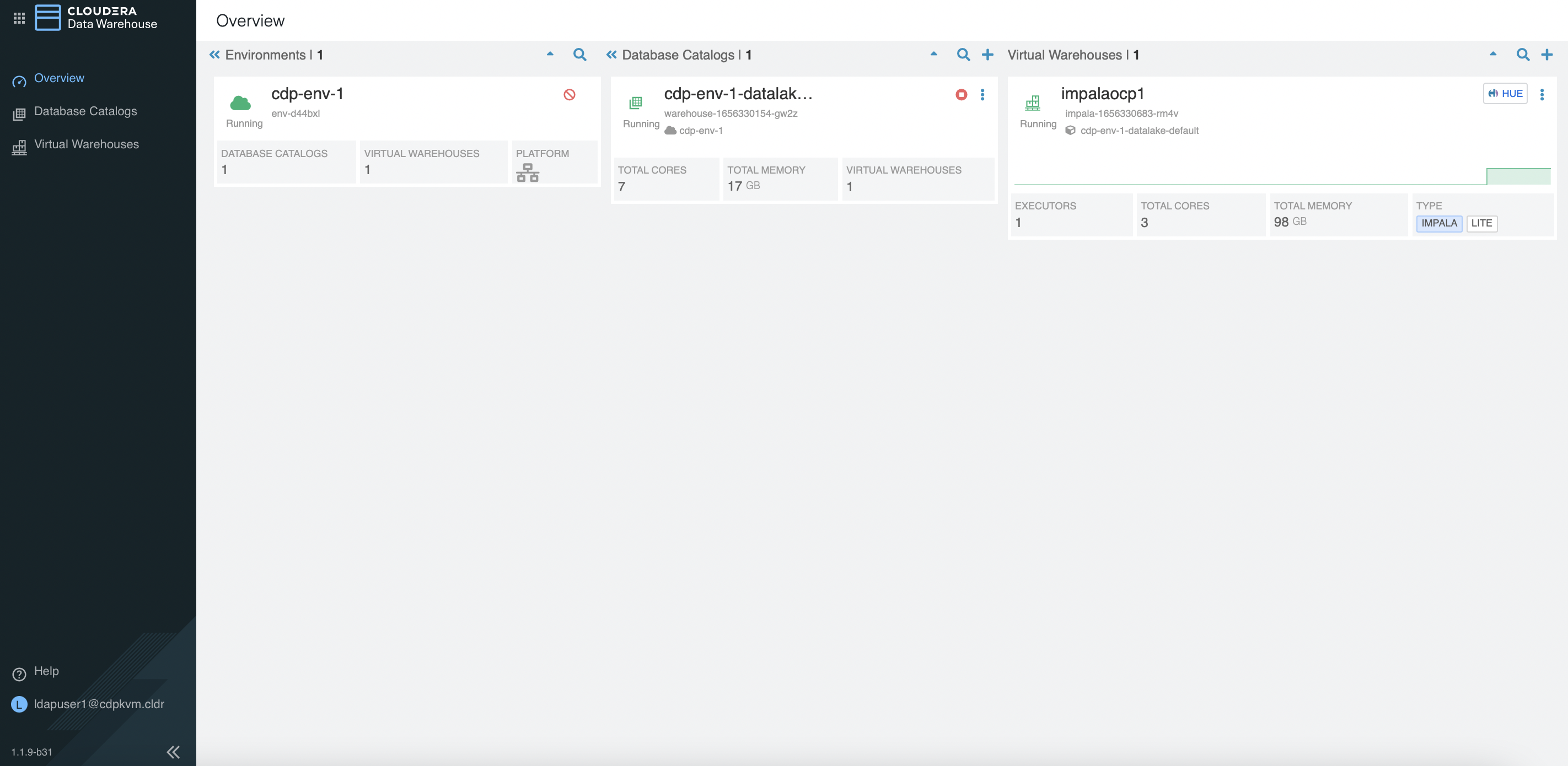
Take note of the following artifacts.
[root@ocpbastion ~]# oc -n impala-1656330683-rm4v get pods NAME READY STATUS RESTARTS AGE catalogd-74869dbf89-ldrmh 1/1 Running 0 2m2s coordinator-0 4/4 Running 0 2m2s coordinator-1 3/4 Running 0 80s huebackend-0 2/2 Running 0 2m2s huefrontend-74c45775c-zz2lv 1/1 Running 0 2m2s impala-autoscaler-5b484b9fb7-znsxw 1/1 Running 0 2m1s impala-executor-000-0 1/1 Running 0 2m2s statestored-694d8b5fbb-529tp 1/1 Running 0 2m2s usage-monitor-755869884-ww6cn 1/1 Running 0 2m2s [root@ocpbastion ~]# oc -n impala-1656330683-rm4v get pvc NAME STATUS VOLUME CAPACITY ACCESS MODES STORAGECLASS AGE scratch-cache-volume-coordinator-0 Bound local-pv-abb1e063 400Gi RWO cdw-disk 9s scratch-cache-volume-impala-executor-000-0 Bound local-pv-33a6a00a 400Gi RWO cdw-disk 9s [root@ocpbastion ~]# oc -n impala-1656330683-rm4v describe pod coordinator-0 | grep Node: Node: master03.ocp4.cdpkvm.cldr/10.15.4.184 [root@ocpbastion ~]# oc -n impala-1656330683-rm4v describe pod impala-executor-000-0 | grep Node: Node: master02.ocp4.cdpkvm.cldr/10.15.4.183 [root@ocpbastion ~]# oc describe pv local-pv-abb1e063 | grep hostname Term 0: kubernetes.io/hostname in [master03.ocp4.cdpkvm.cldr] [root@ocpbastion ~]# oc describe pv local-pv-33a6a00a | grep hostname Term 0: kubernetes.io/hostname in [master02.ocp4.cdpkvm.cldr] [root@ocpbastion ~]# ssh core@master03.ocp4.cdpkvm.cldr Red Hat Enterprise Linux CoreOS 47.84.202206080457-0 Part of OpenShift 4.7, RHCOS is a Kubernetes native operating system managed by the Machine Config Operator (`clusteroperator/machine-config`). WARNING: Direct SSH access to machines is not recommended; instead, make configuration changes via `machineconfig` objects: https://docs.openshift.com/container-platform/4.7/architecture/architecture-rhcos.html --- Last login: Mon Jun 27 11:27:34 2022 from 10.15.4.189 [core@master03 ~]$ ll /mnt/local-storage/ total 0 drwxr-xr-x. 2 root root 17 Jun 27 08:41 cdw-disk drwxr-xr-x. 2 root root 17 Jun 26 15:18 vdb [core@master03 ~]$ ll /mnt/local-storage/cdw-disk total 0 lrwxrwxrwx. 1 root root 8 Jun 27 08:41 vdc -> /dev/vdc cdw-disk 11m -
Remove the above
Impalavirtual warehouse. Create a newImpalavirtual warehouse with 4 executors as shown below.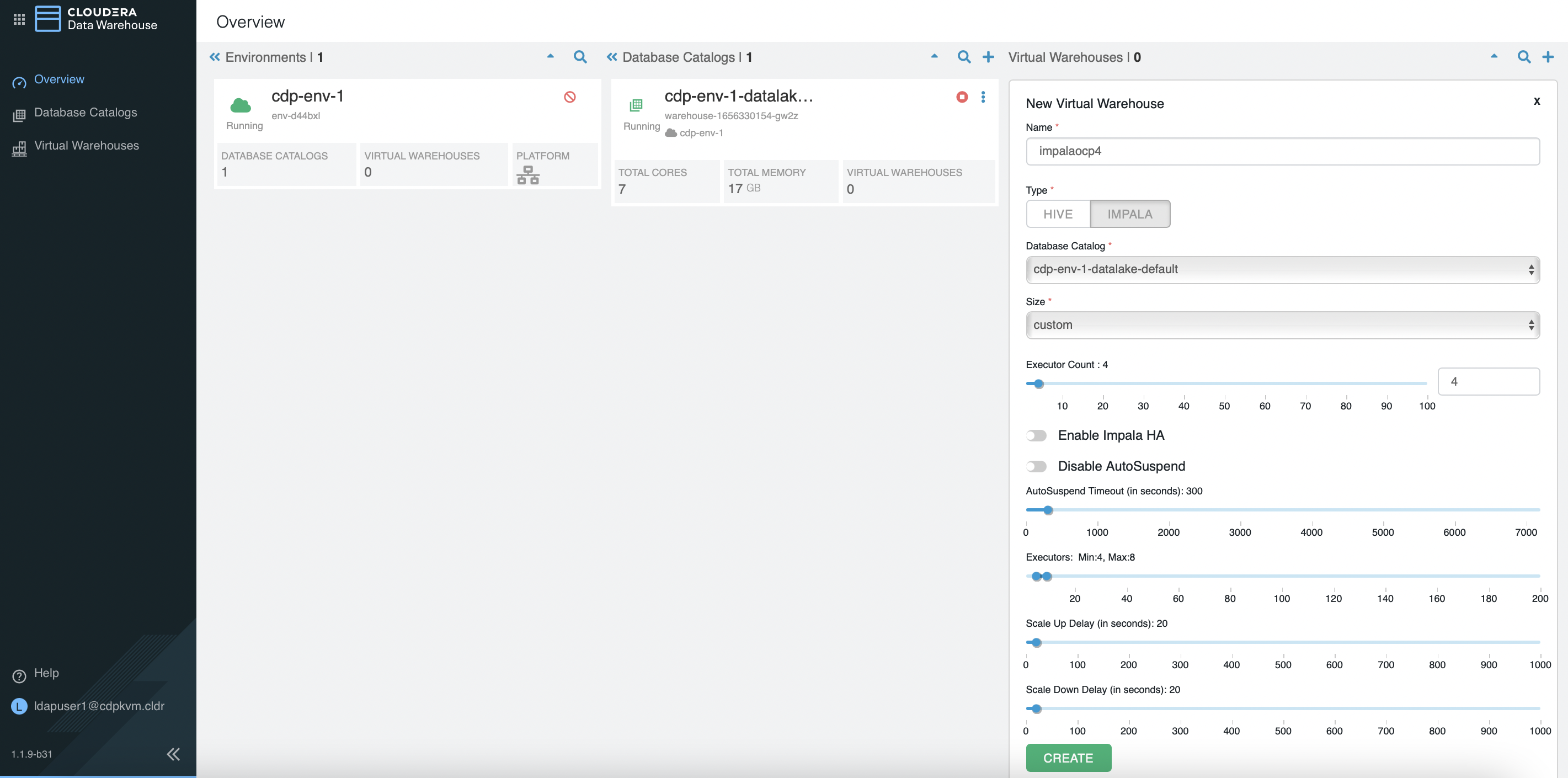
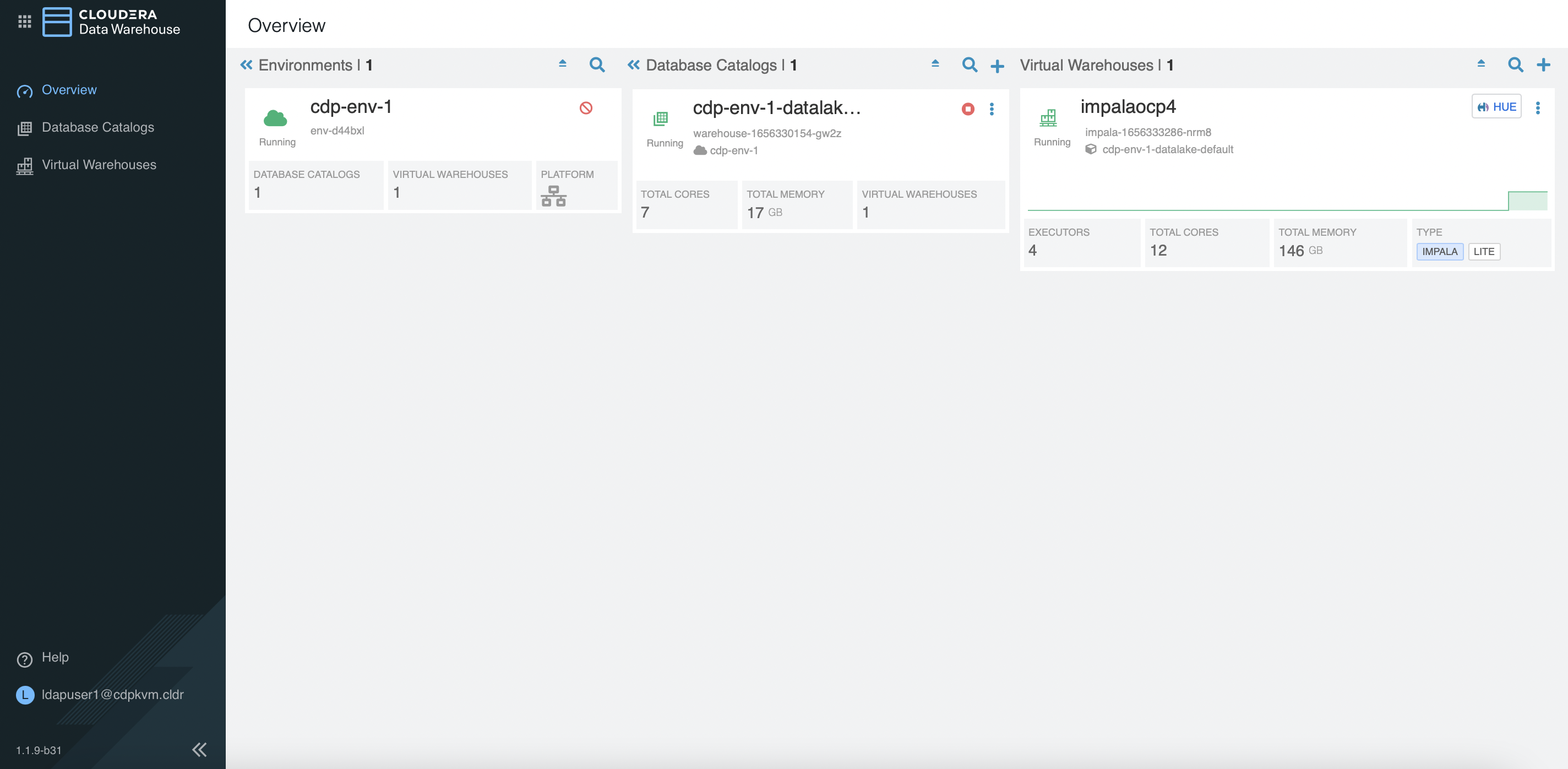
Take note of the following artifacts.
[root@ocpbastion ~]# oc -n impala-1656333286-nrm8 get pods
NAME                                READY   STATUS    RESTARTS   AGE
catalogd-567f684bcb-4dxph           1/1     Running   0          80s
coordinator-0                       4/4     Running   0          80s
huebackend-0                        2/2     Running   0          80s
huefrontend-7c765bf44d-47dkq        1/1     Running   0          80s
impala-autoscaler-6c7564d7f-lpndc   1/1     Running   0          80s
impala-executor-000-0               1/1     Running   0          80s
impala-executor-000-1               1/1     Running   0          80s
impala-executor-000-2               1/1     Running   0          80s
impala-executor-000-3               1/1     Running   0          80s
statestored-f9d6b4bb7-hhk65         1/1     Running   0          80s
usage-monitor-8677878c4b-q5hx8      1/1     Running   0          80s

[root@ocpbastion ~]# oc -n impala-1656333286-nrm8 get pvc
NAME                                         STATUS   VOLUME              CAPACITY   ACCESS MODES   STORAGECLASS   AGE
scratch-cache-volume-coordinator-0           Bound    local-pv-abb1e063   400Gi      RWO            cdw-disk       103s
scratch-cache-volume-impala-executor-000-0   Bound    local-pv-d30bd8ac   200Gi      RWO            cdw-disk       103s
scratch-cache-volume-impala-executor-000-1   Bound    local-pv-dc533915   200Gi      RWO            cdw-disk       103s
scratch-cache-volume-impala-executor-000-2   Bound    local-pv-c8fe6eea   200Gi      RWO            cdw-disk       103s
scratch-cache-volume-impala-executor-000-3   Bound    local-pv-33a6a00a   400Gi      RWO            cdw-disk       103s

[root@ocpbastion ~]# oc describe pv local-pv-33a6a00a | grep hostname
    Term 0:        kubernetes.io/hostname in [master02.ocp4.cdpkvm.cldr]

[root@ocpbastion ~]# oc describe pv local-pv-dc533915 | grep hostname
    Term 0:        kubernetes.io/hostname in [master02.ocp4.cdpkvm.cldr]

[root@ocpbastion ~]# oc -n impala-1656333286-nrm8 describe pod impala-executor-000-1 | grep Node:
Node:         master02.ocp4.cdpkvm.cldr/10.15.4.183

[root@ocpbastion ~]# oc -n impala-1656333286-nrm8 describe pod impala-executor-000-3 | grep Node:
Node:         master02.ocp4.cdpkvm.cldr/10.15.4.183

[root@ocpbastion ~]# oc -n impala-1656333286-nrm8 exec -ti impala-executor-000-1 -- /bin/sh
sh-4.2$ lsblk
NAME   MAJ:MIN RM  SIZE RO TYPE MOUNTPOINT
rbd0   251:0    0    2G  0 disk
vdd    252:48   0  200G  0 disk /opt/impala/scratch
vdb    252:16   0  300G  0 disk
rbd1   251:16   0    2G  0 disk
loop0    7:0    0  300G  0 loop
vdc    252:32   0  400G  0 disk
vda    252:0    0  100G  0 disk
|-vda4 252:4    0 99.5G  0 part /opt/impala/logs/minidumps
|-vda2 252:2    0  127M  0 part
|-vda3 252:3    0  384M  0 part
`-vda1 252:1    0    1M  0 part
rbd2   251:32   0   20G  0 disk

sh-4.2$ ls -l /opt/impala/scratch/
total 0
-rw-r--r--. 1 hive 1000800000 0 Jun 27 12:35 impala-cache-file-524e9102ab341ef1:1917da93c3905ab4
drwxr-sr-x. 2 hive 1000800000 6 Jun 27 12:35 impala-scratch