Tensorflow
Tensorflow is a popular AI/ML framework focusing on training and inference of DNN. The following articles describe the Tensorflow use cases running on Cloudera Machine Learning (CML) atop Kubernetes platform powered by Openshift 4.8.
Tensorboard
-
Create a new CML project as shown in the screenshot below. The github link is
https://github.com/dennislee22/machineLearning.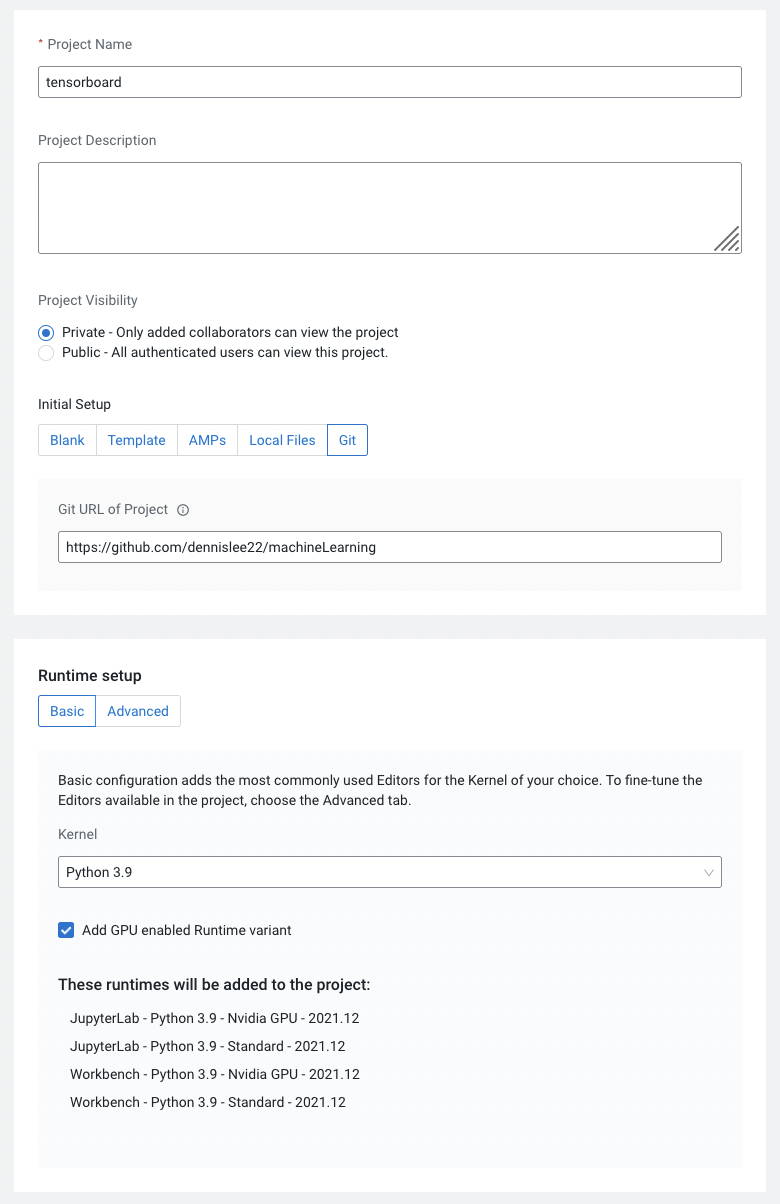
-
Create a CML workbench session in that project with 2 CPU/8 GiB memory and 1 GPU (Nvidia) profile.
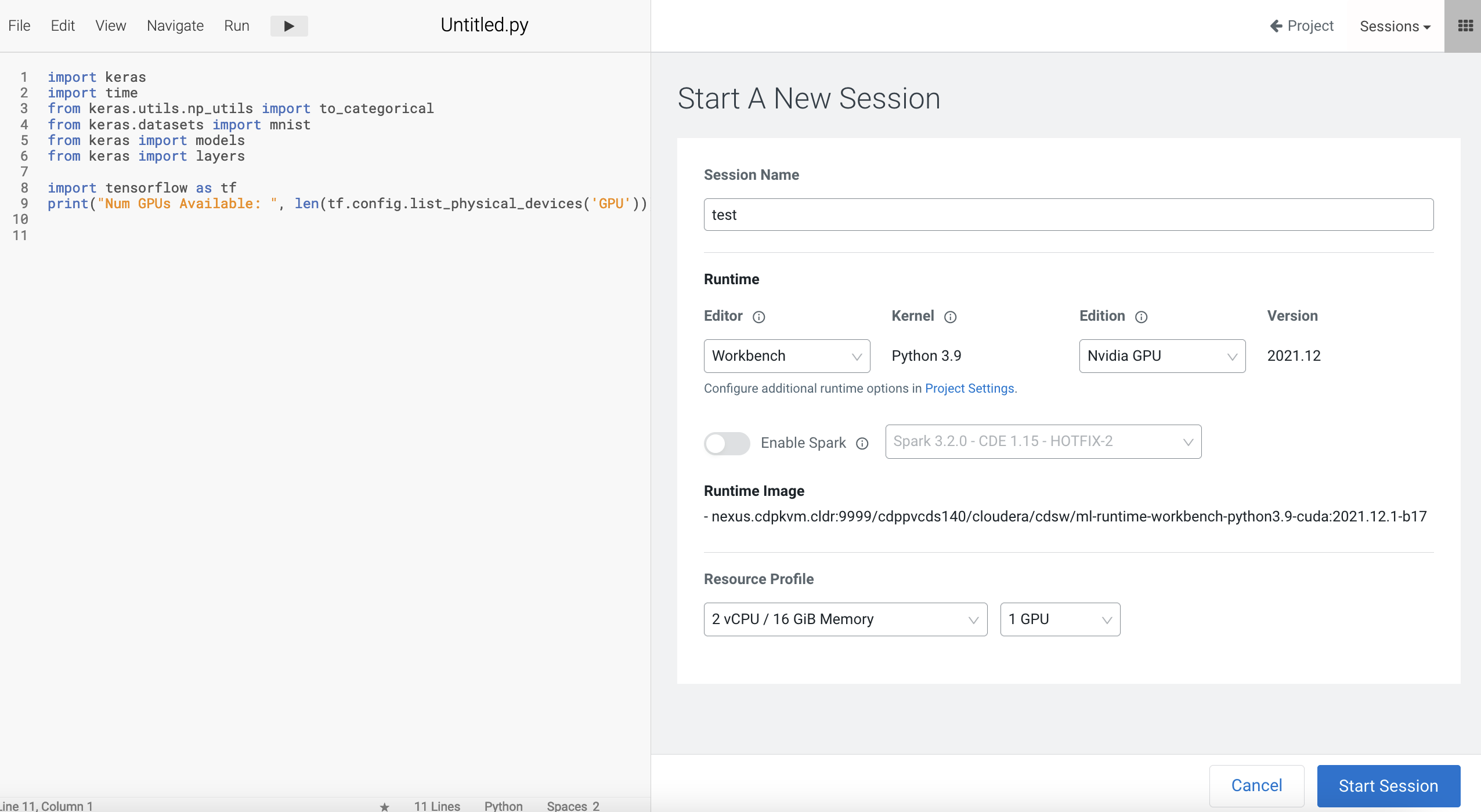
Open a
Terminal Accessbox of the CML session and install the necessary Python modules. After successful installation, close the terminal and session.pip3 install tensorflow matplotlib protobuf -
Navigate to CML Applications and create a new application as depicted below.
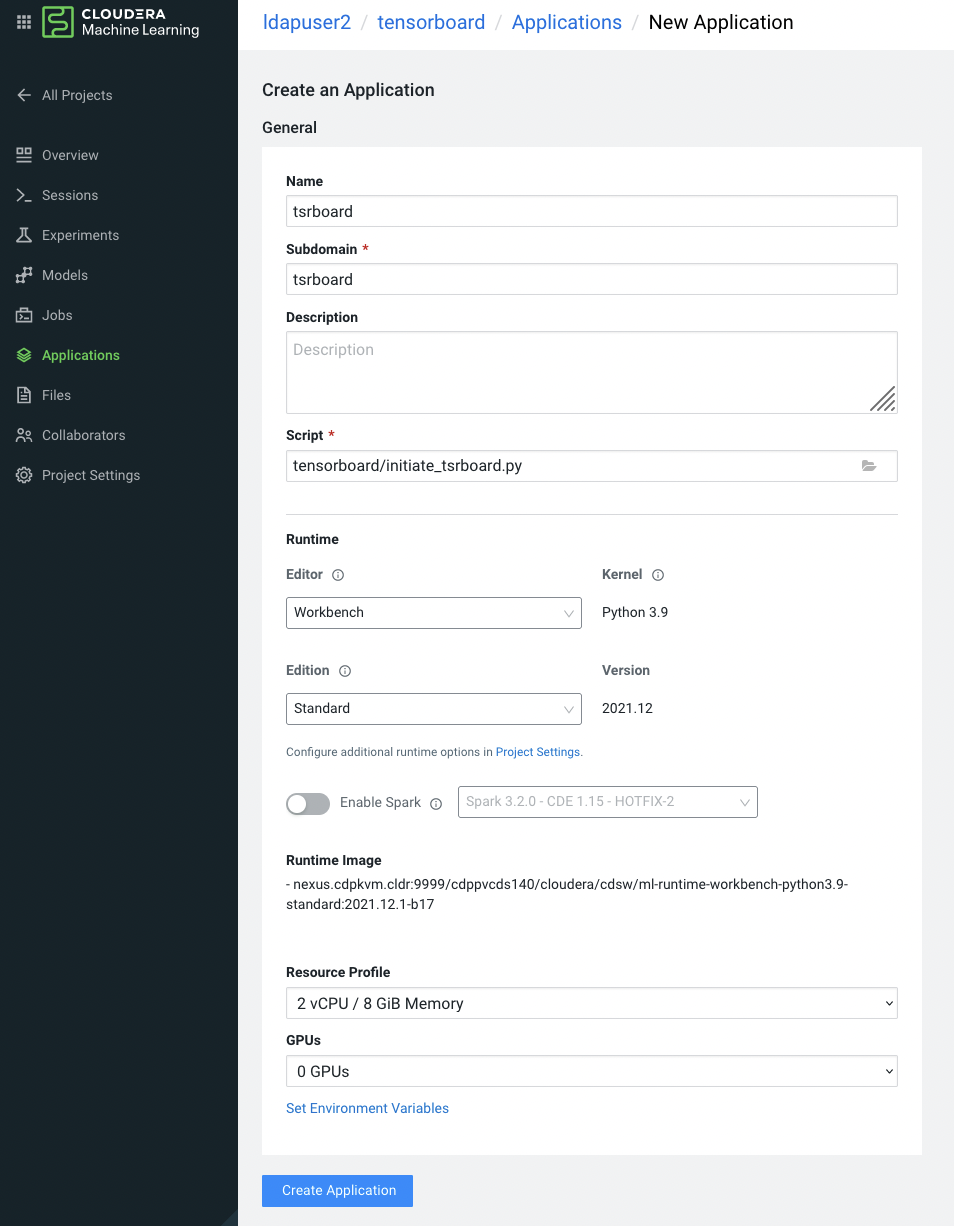
-
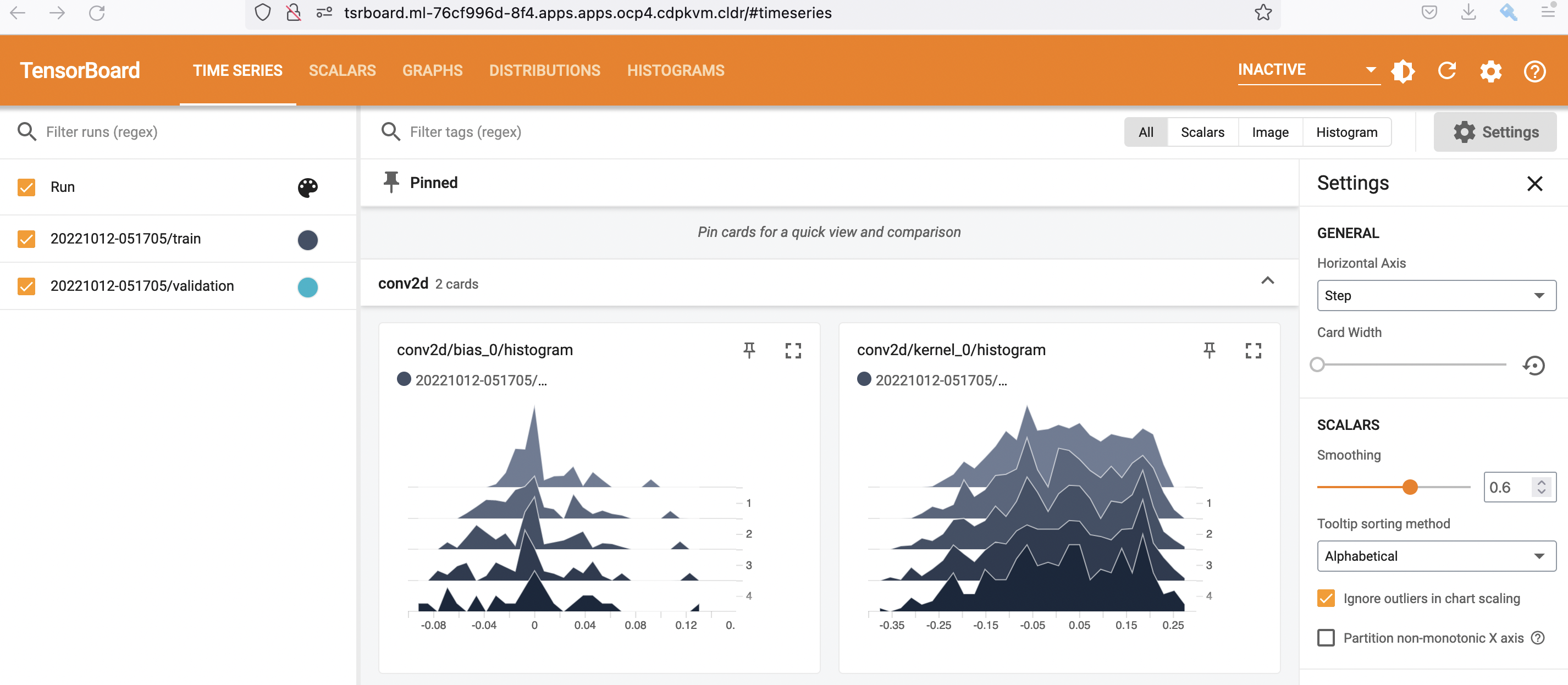
Subsequently, open a new browser to view the Tensorboard dashboard.
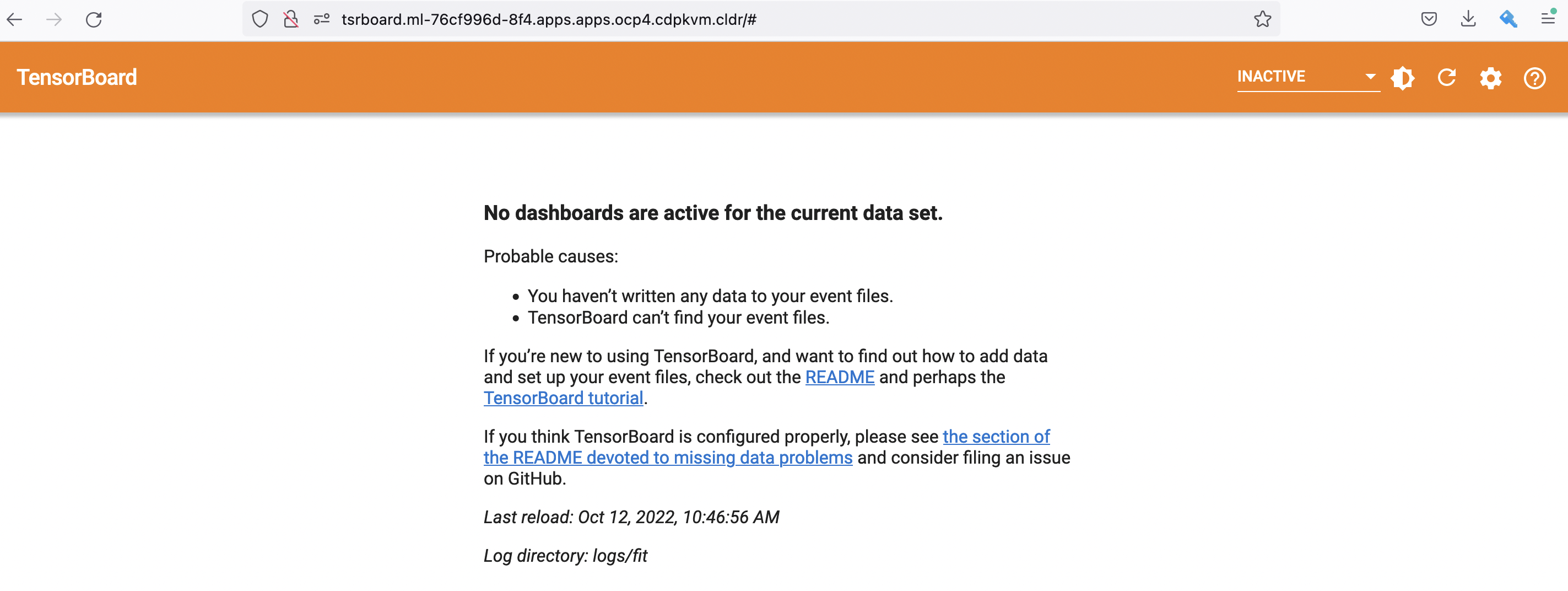
-
In the CML workbench session, run this sample code to train the Keras model with GPU/CPU. Refresh the Tensorboard dashboard and explore the details.